Credentials that never leave the vault.
Traditional secret managers hand the key to the client. Gatehouse doesn't. Agents proxy HTTP requests through the vault and get the response back, while the credential stays server-side, out of every context window, log, and tool output. Every successful call is learned as a reusable pattern, so the next agent already knows how to use the API without burning tokens guessing.
Agent memory is not private.
AI agent context windows get logged.
They get cached.
They get sent to cloud APIs.
A credential that enters an agent's memory can end up anywhere.
Three steps. Key stays home.
- 1
Agent sends a request
POST /v1/proxywith a secret reference, not the secret itself. - 2
Gatehouse injects the credential
Resolves the reference server-side, forwards the request upstream.
- 3
Response comes back
Agent sees the API response. Never the key.
Because every call flows through the vault, Gatehouse can also learn. Successful requests get recorded as reusable patterns, scored by confidence, and served to the next agent that touches that secret. How pattern learning works →
Everything you need in one container.
Proxy mode
Agents send HTTP requests with secret references. Gatehouse injects credentials server-side.
Pattern learning
Every successful API call becomes a verified, confidence-scored template for the next agent.
Dynamic secrets
Ephemeral database credentials and SSH certificates. Five built-in providers, self-destruct on expiry.
Credential leasing
Agents check out secrets with TTLs. Server-side reaper revokes automatically.
MCP + REST
Nine MCP tools for Claude Code, Codex, Windsurf, Cursor. Standard REST for everything else.
Audit & scrubbing
Structured JSON audit log with retention. Pattern-based credential redaction for MCP and REST.
A control panel built for the job.
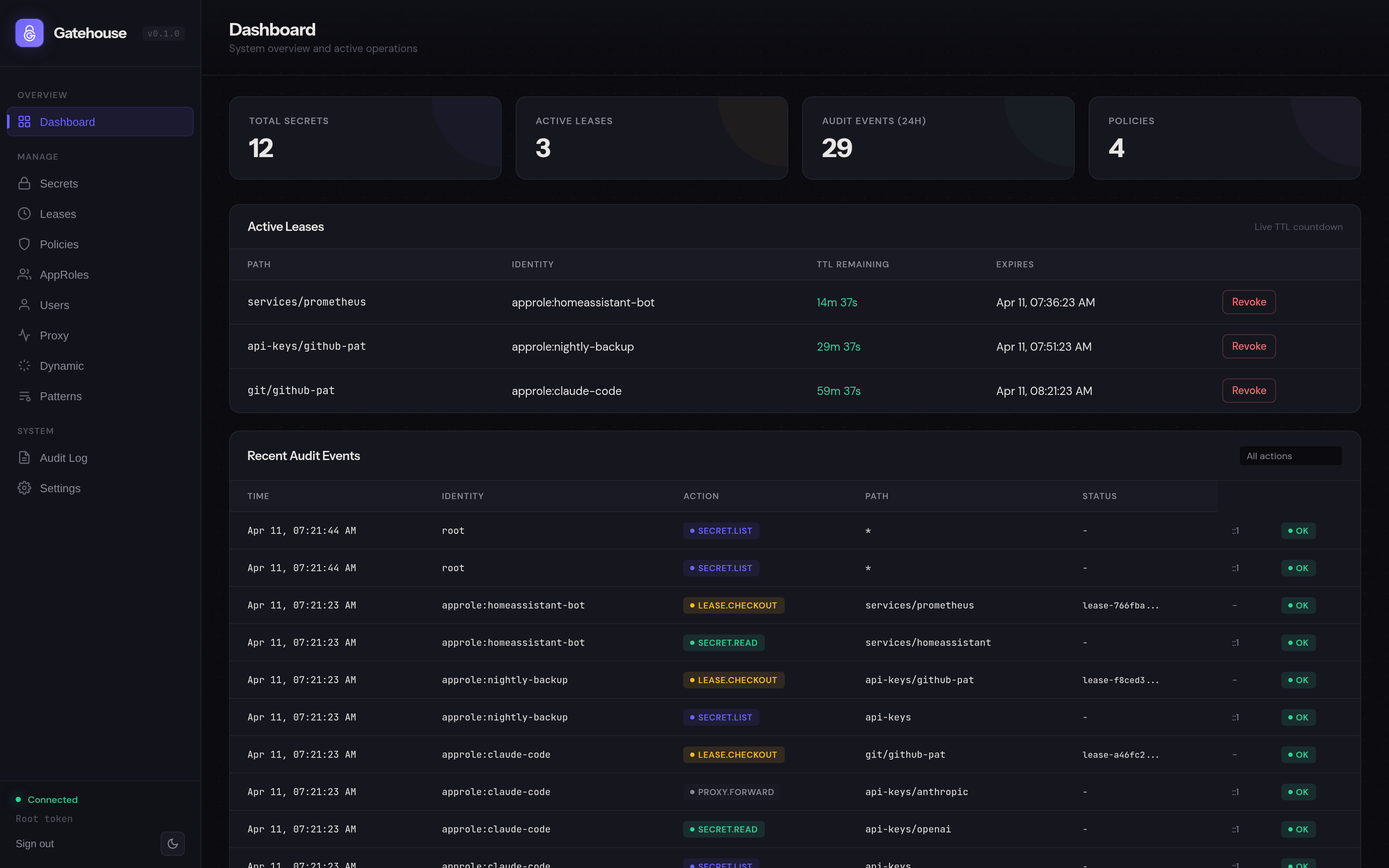
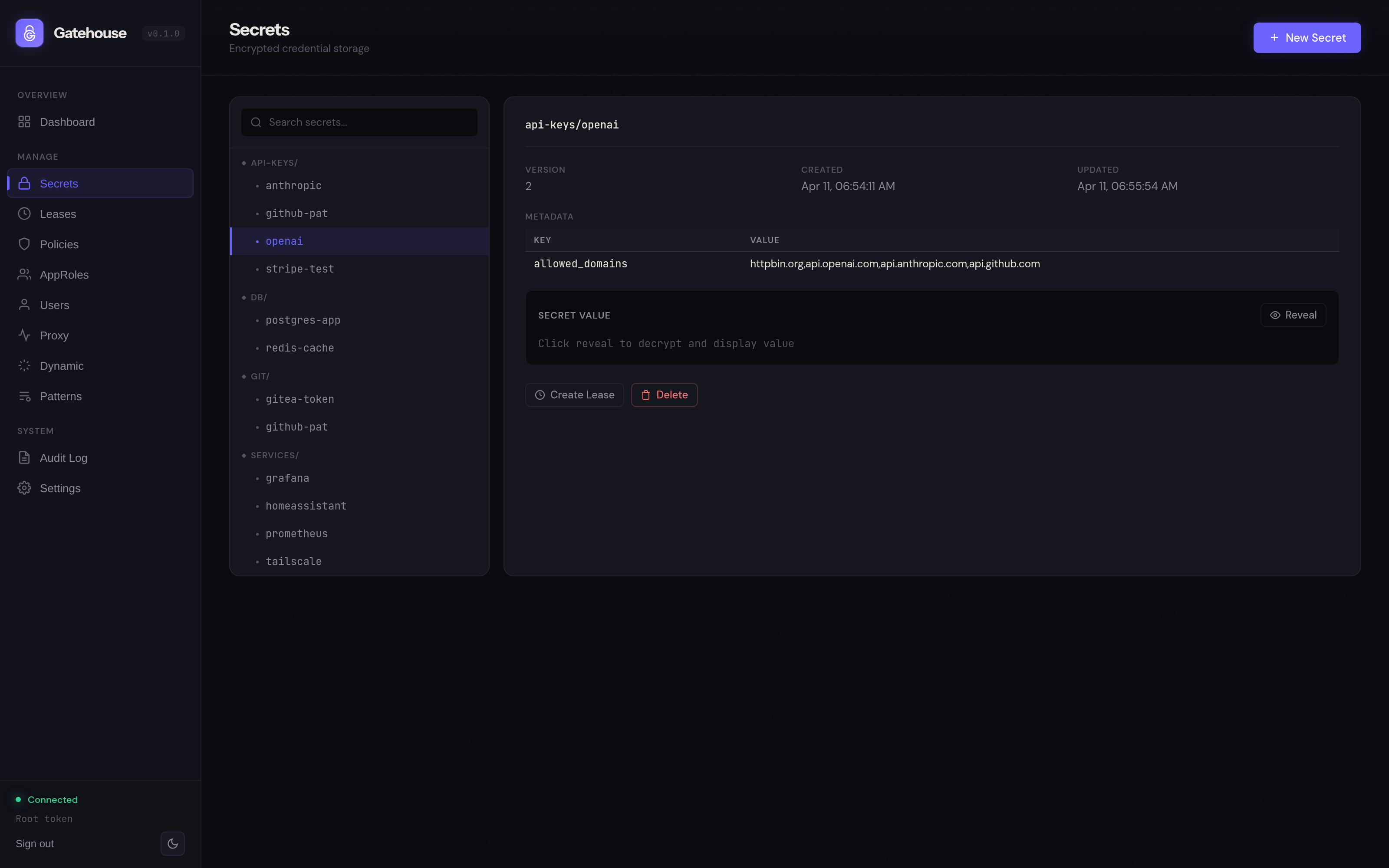
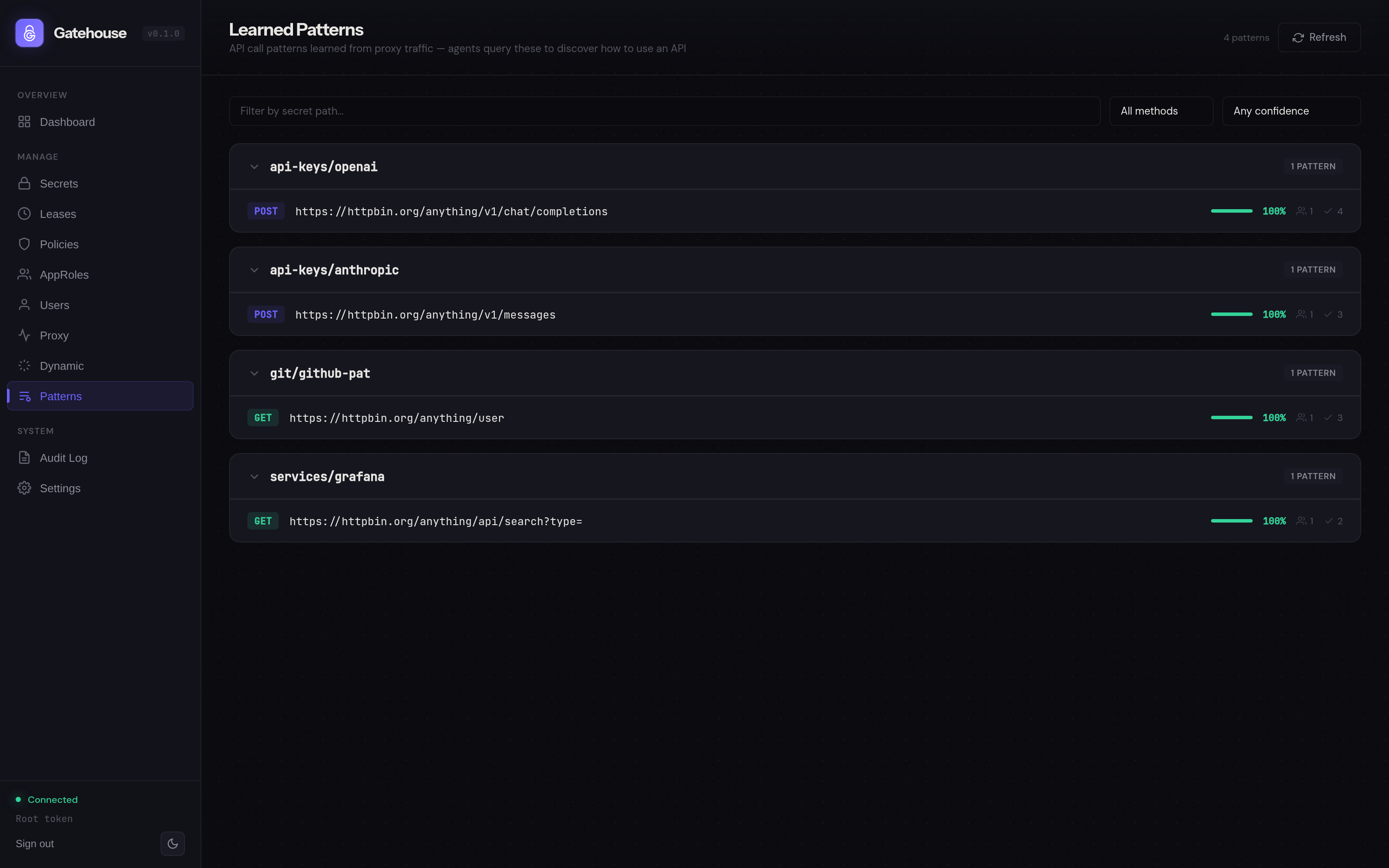
One command.
docker run -d \
  --name gatehouse \
  -p 3100:3100 \
  -v gatehouse-data:/data \
  -v ./config:/config \
  -e GATEHOUSE_MASTER_KEY="$(openssl rand -hex 32)" \
  ghcr.io/bshandley/gatehouse:latest
That's it. Open localhost:3100, paste your root token, start storing secrets.